Bah UI
Transform your Blackthorn experience with a new minimal custom interface, and a sharp ReShade preset.
Latest Release
Install Guide
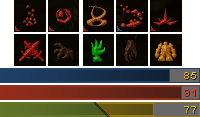
Transform your Blackthorn experience with a new minimal custom interface, and a sharp ReShade preset.
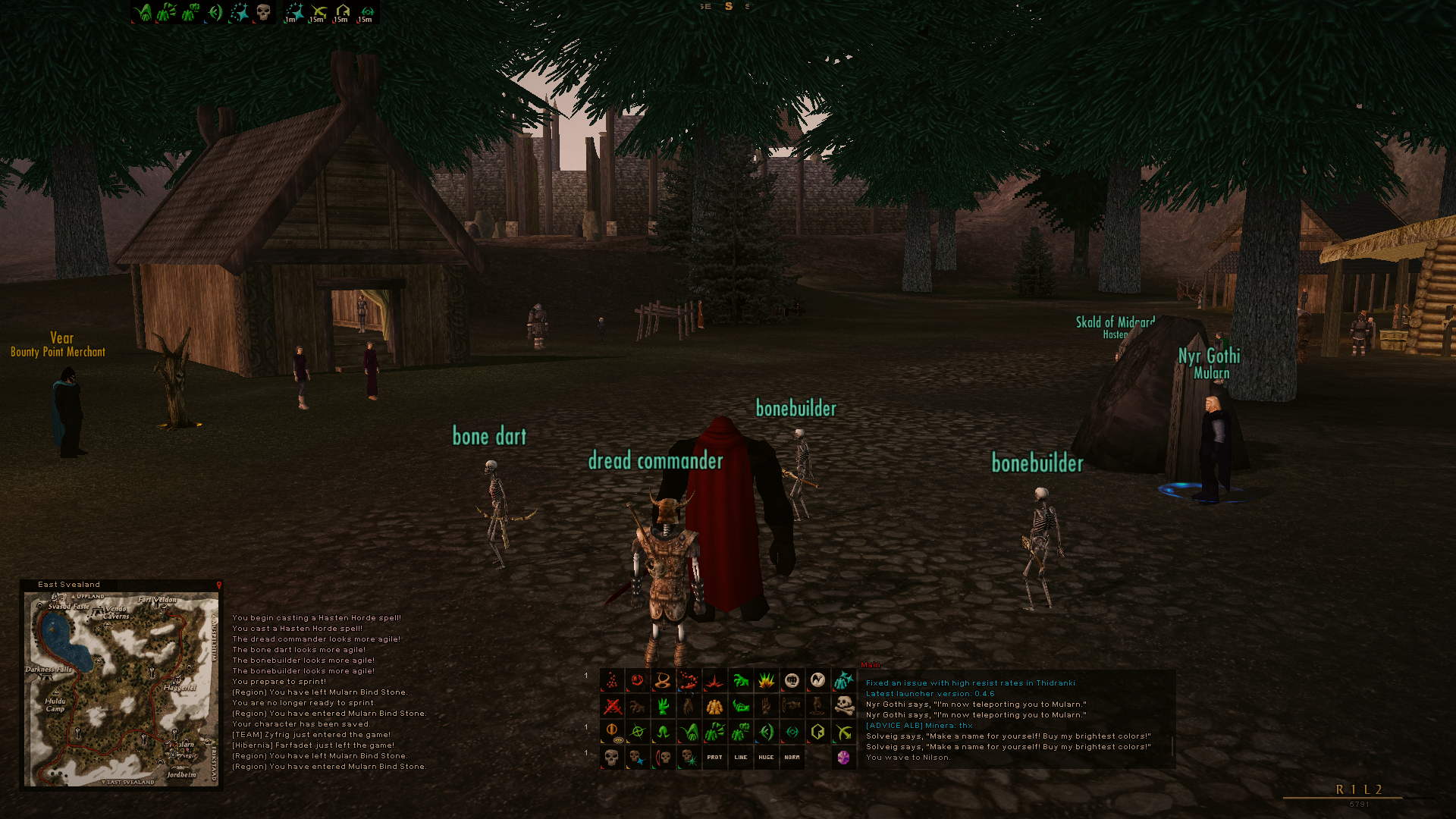
This custom interface offers a streamlined,
minimalist design tailored for
Blackthorn, a Classic+ Dark
Age of Camelot freeshard project.
It reduces visual clutter so you can
focus on your adventures. Whether in RvR combat or
PvE quests, essential information is always
available at a glance.
Paired with a custom
ReShade preset to realy make the
game pop!
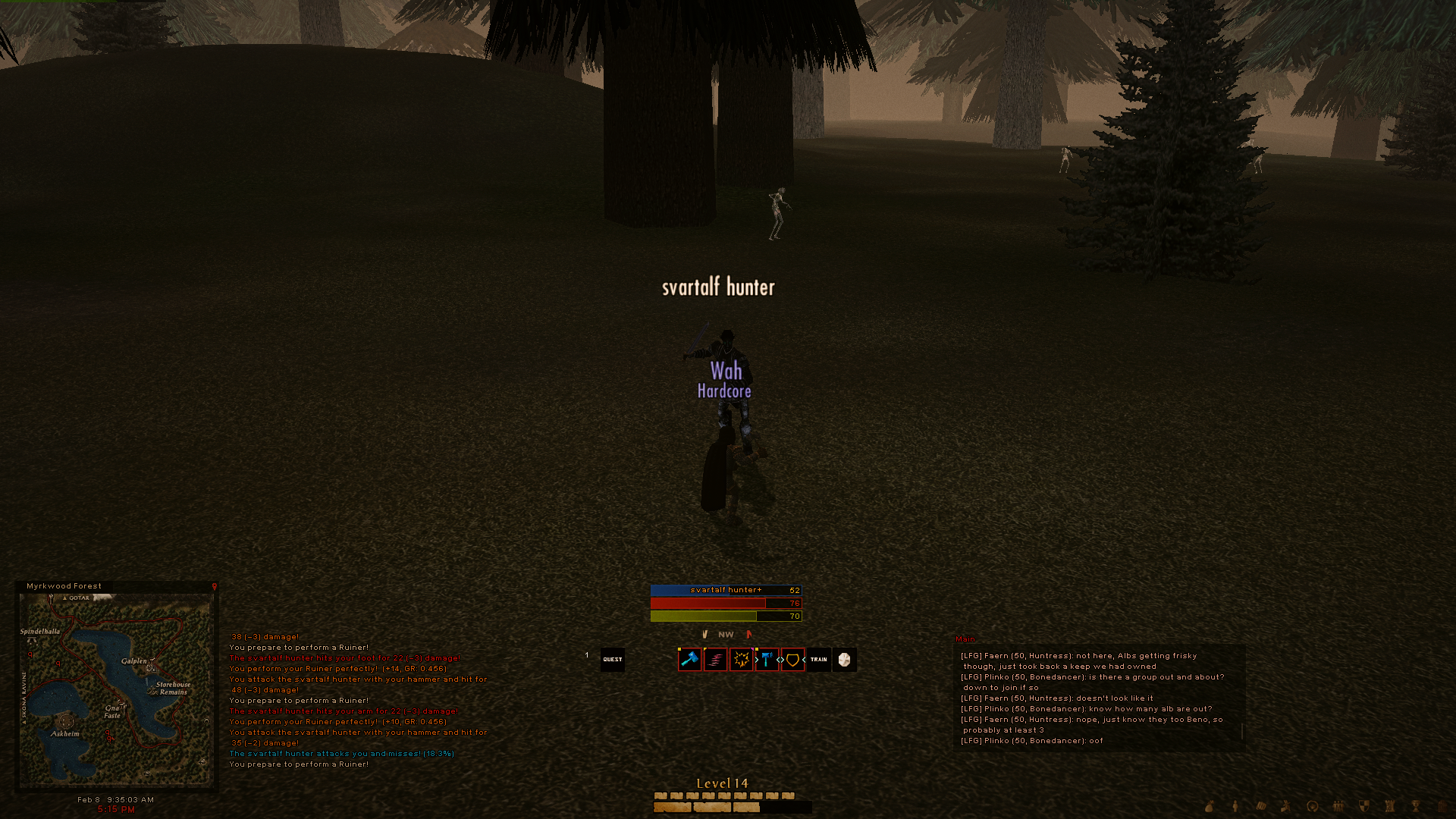
At 100% value, status bars are transparent. As soon
as you need them, they show up!
Cleans up the screen when nothing is happening, for
a clutter free experience.
Click your target bar to
/face
and right edge to /stick
Click your hp bar with a pet active to
target it
Click your power or endurace
bar to toggle /sit
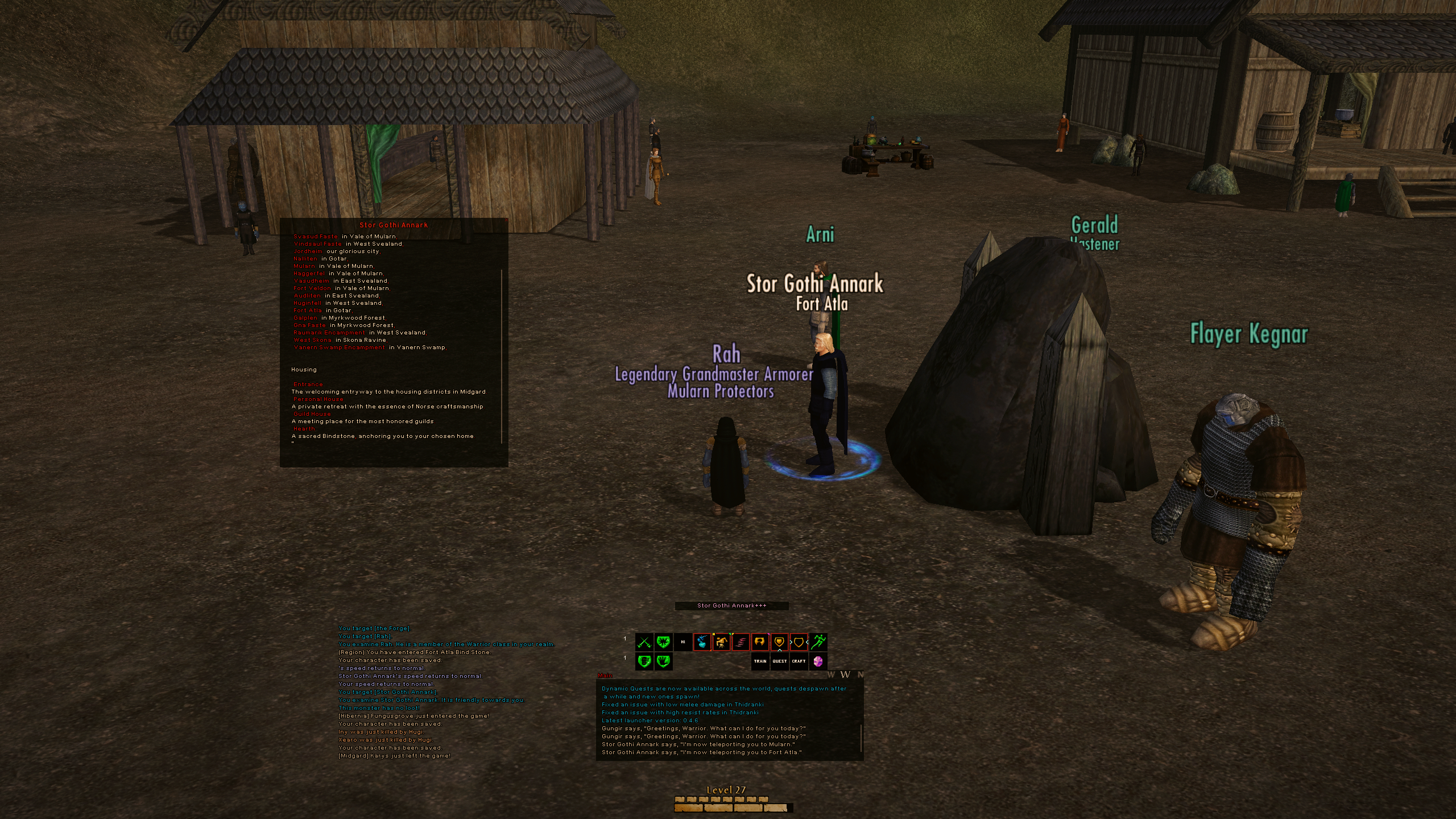
10 alternatives to choose from.
Small, big, long, grids..
Have it whatever way you want,
find the right fit for your class.
All in-game, no need to relog!
Getting started is easy. Follow these steps: